Download
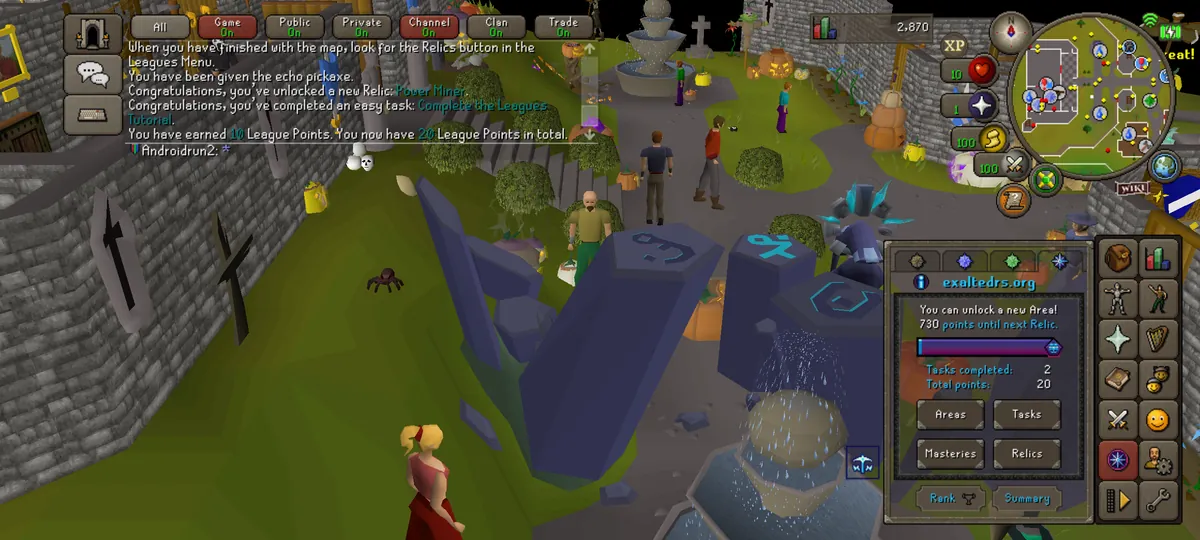
Play Exalted on your Android phone: the same account, character and world as on your computer. The app is Old School RuneScape's mobile app (build 241.4) set up for Exalted, and installs as its own app, next to the official one.
Download Exalted.apk- Version
- 1 (241.4)
- Size
- 17.4 MB
- Needs
- Android 8.0 or newer, a 64-bit phone
- SHA-256
9b32d54d06db5e9ad91bea20d3ab66662c043d574c5b83ee0d879101475a3eec
Only download the app from this page.
Install
Open this page on your phone and follow the steps. It takes about a minute.
- Tap Download Exalted.apk. Chrome may warn that the file might be harmful, because it is an app from outside Google Play: tap Download anyway.
- When the download finishes, tap Open (or open Exalted.apk from your Downloads or notifications).
- The first time, Android asks to let your browser (or your Files app) install apps: tap Settings, turn on Allow from this source, then go back.
- Tap Install.
- Play Protect may say it does not recognise the app, because it is not from Google Play. Tap More details, then Install anyway (some phones then ask for your PIN or fingerprint). If it offers to scan the app first, either choice works.
- Tap Open, or open Exalted from your home screen.
Log in
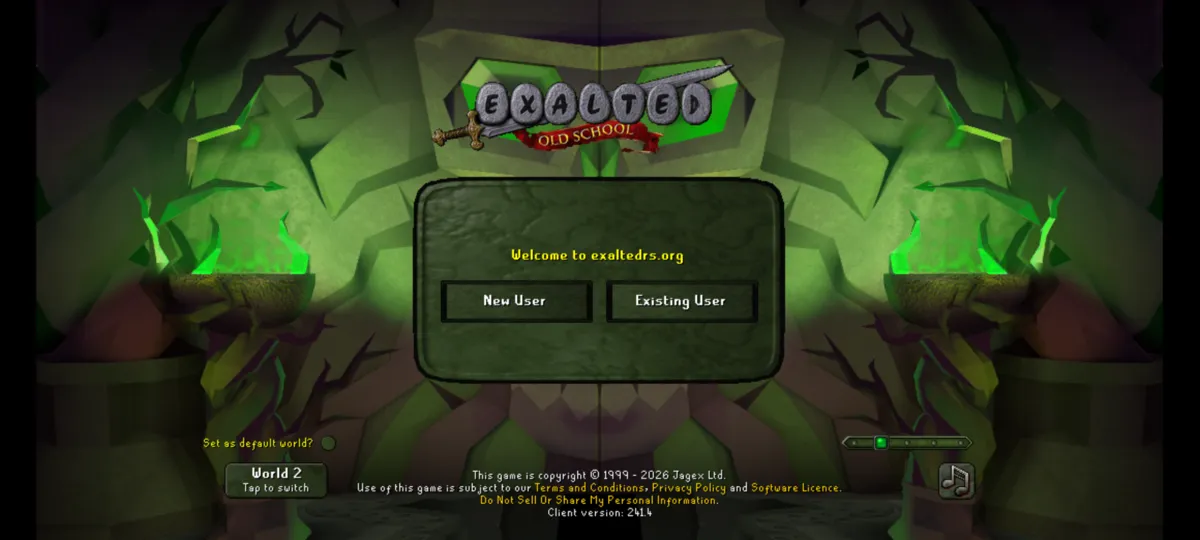
- Tap Existing User.
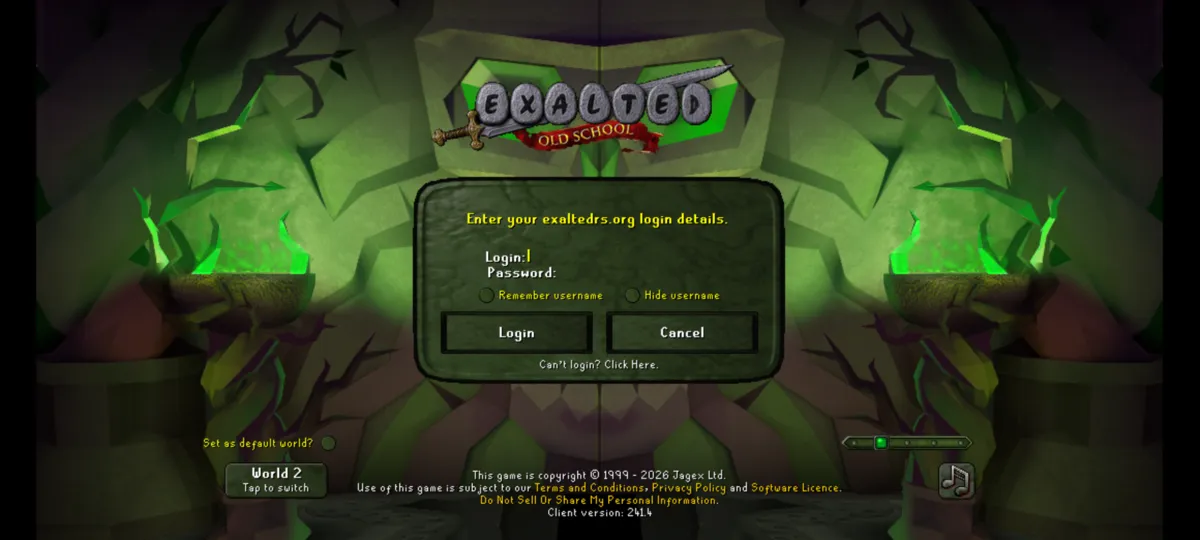
- Type your exaltedrs.org name and password, the same ones you use on your computer, and tap Login.
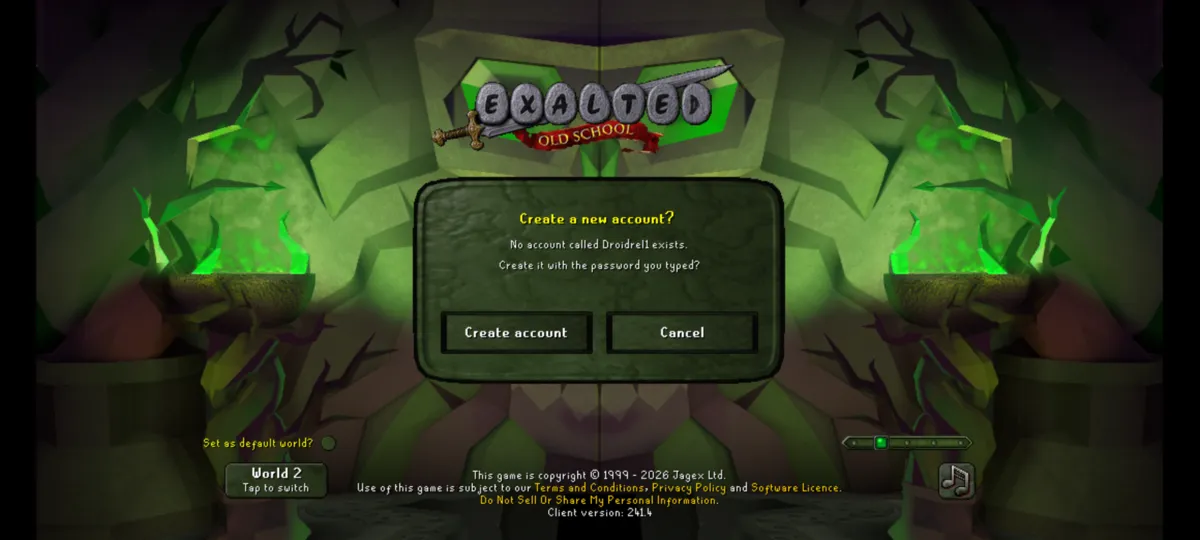
- New to Exalted? Type the name and password you want. The app asks Create a new account?: tap Create account and you are in. Cancel takes you back if you mistyped the name.
After your first login the app remembers you: next time, tap Play Now and you are straight in. If you change your password, the app asks you to log in again. Sign out on the start screen forgets you on this phone.
Updating
When a new version is out, the app tells you: Exalted has been updated! Please update the app. Tap Update App to open this page, download Exalted.apk again (if your browser asks whether to download the file again, choose Download), then open it. Android asks whether to update the app: tap Update.
Do not uninstall the old app first: updating over it keeps you logged in and keeps your settings.
Questions
- Does my desktop account work?
- Yes. It is the same account and character you play on your computer, so your progress goes with you both ways.
- Forgot your password?
- Tap Can't login? Click Here. on the login screen, or reset it on exaltedrs.org.
- Do I need to remove the official Old School RuneScape app?
- No. Exalted is a separate app and leaves the official one as it is.
- Is it on Google Play?
- No, only on this page. That is also why Chrome, Android and Play Protect warn you before installing it.
- Which phones does it run on?
- Android 8.0 or newer on a 64-bit phone, which is nearly every phone from the last several years. There is no iPhone app.
- "App not installed" or the install stops?
- Check that your phone has about 200 MB free, then download the file again from this page. If you installed an Exalted app from anywhere else, uninstall it first.
- How do I know the file is the real one?
- Download it only from this page. The SHA-256 above is the file's fingerprint, if you want to compare it.
- How do I uninstall it?
- Like any app: press and hold Exalted on your home screen and choose Uninstall. Your account and character stay on the server.